Links and Hypertext: Accessible Navigation
This guide was developed in alignment with WCAG 2.1 Level A/AA standards.
Links are essential in digital content. They allow readers to navigate between different pages or resources, providing additional context or information without cluttering the main content. Proper use of links can enhance the user experience and improve accessibility.
What Are Links?
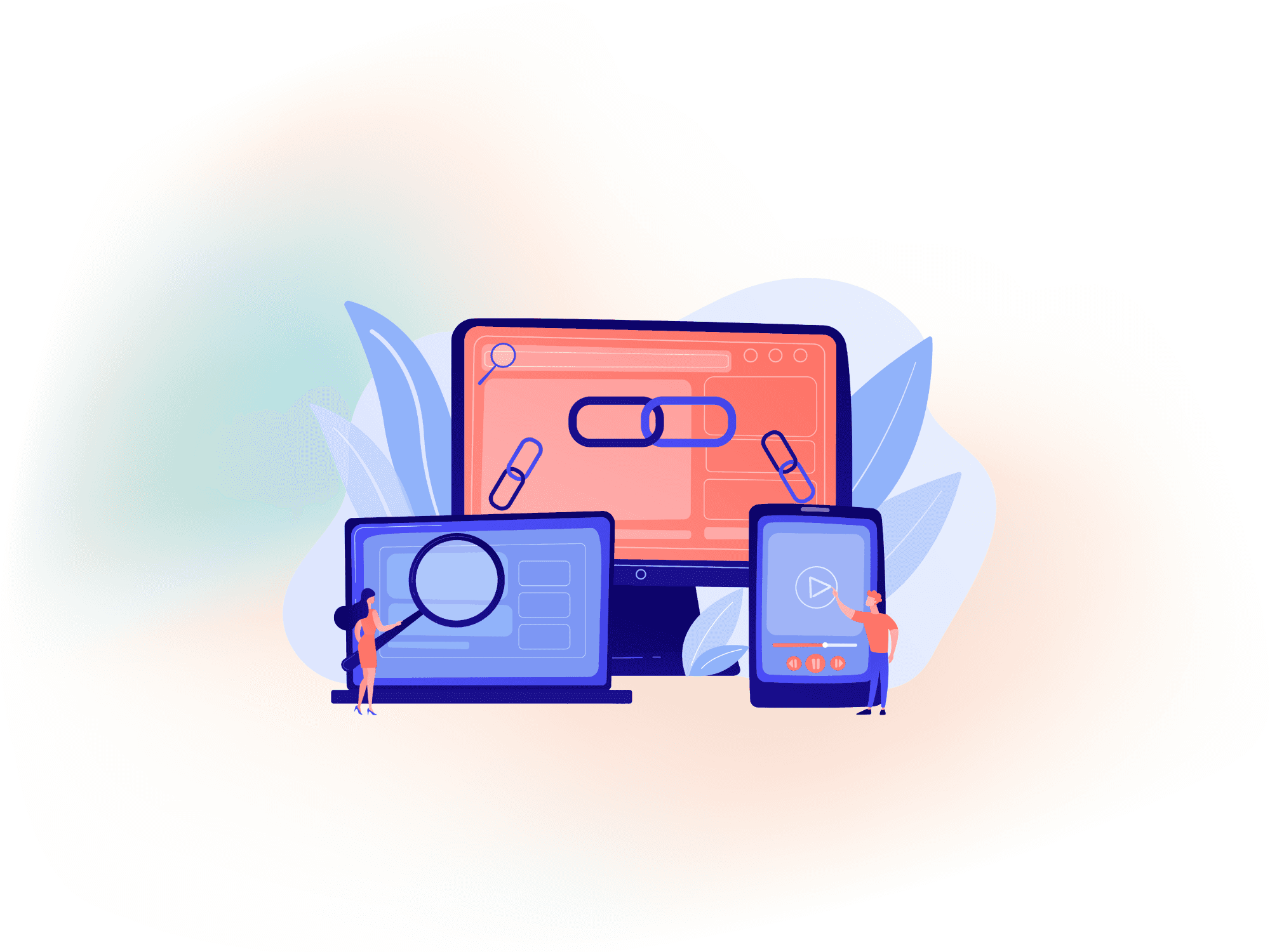
Links, also known as hypertext links or hyperlinks, are clickable elements that direct users to another location on the web. They can be in the form of text, images, or buttons and can lead to different types of content, such as web pages, documents, or media files.
Types of Links
Internal Links: Keep you on the same website but lead you to another page.
External Links: Take you to a different website. (These should open in a new tab)
Best Practices for Using Links
Links are a powerful tool to improve navigation and accessibility, but they must be used carefully. By following these best practices, you’ll create content that’s easier to read and more enjoyable to interact with for all users.
Make Link Text Clear
When you create a link, make sure the text explains where it will take the reader. For example, instead of saying “Click here,” say “Learn more about our services.” Another example is linking key terms in a sentence, such as “Tuition remains affordable”—link the word “tuition” directly to the tuition page.
Using descriptive link text helps readers understand the destination before clicking, improves accessibility for users relying on screen readers, and supports better SEO.
Don’t Use “Link” in Your Hypertext
Avoid using the word "link" as part of your clickable text. For example, instead of saying "Click on this link to learn more," simply write "Learn more about our products." It’s shorter, clearer, and more user-friendly.
Check Your Links
Test your links regularly to make sure they still work. If a link is broken, it may frustrate people who try to click on it.
Avoid Overusing Links
While links are useful, too many can overwhelm readers and make your content confusing and hard to follow.